Aktionen
GX-Bug #67715
geschlossen

%SALE%-Button kann nicht über SE4 geöffnet werden / %SALE%-button can't be opened through SE4
% erledigt:
0%
Geschätzter Aufwand:
Steps to reproduce:
Betroffene Versionen:
4.0.0.1
Release Notes Langtext:
Der Link der Schaltfläche "SALE" wird jetzt innerhalb des Style Edit 4 geöffnet.
Beschreibung
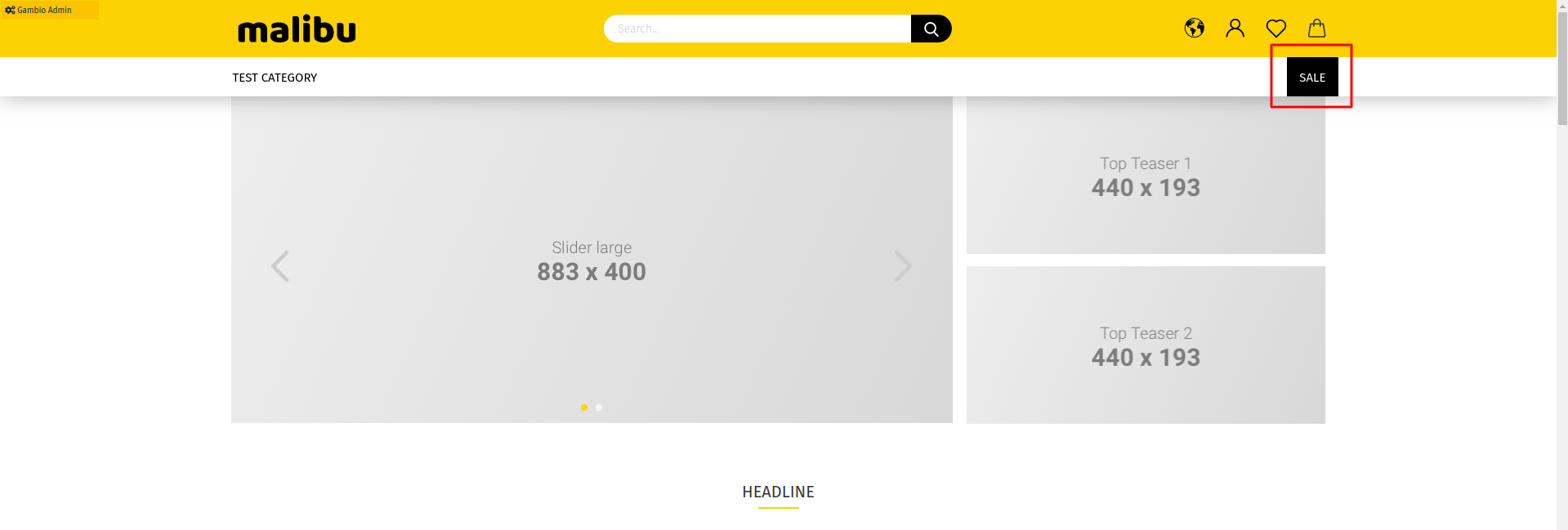
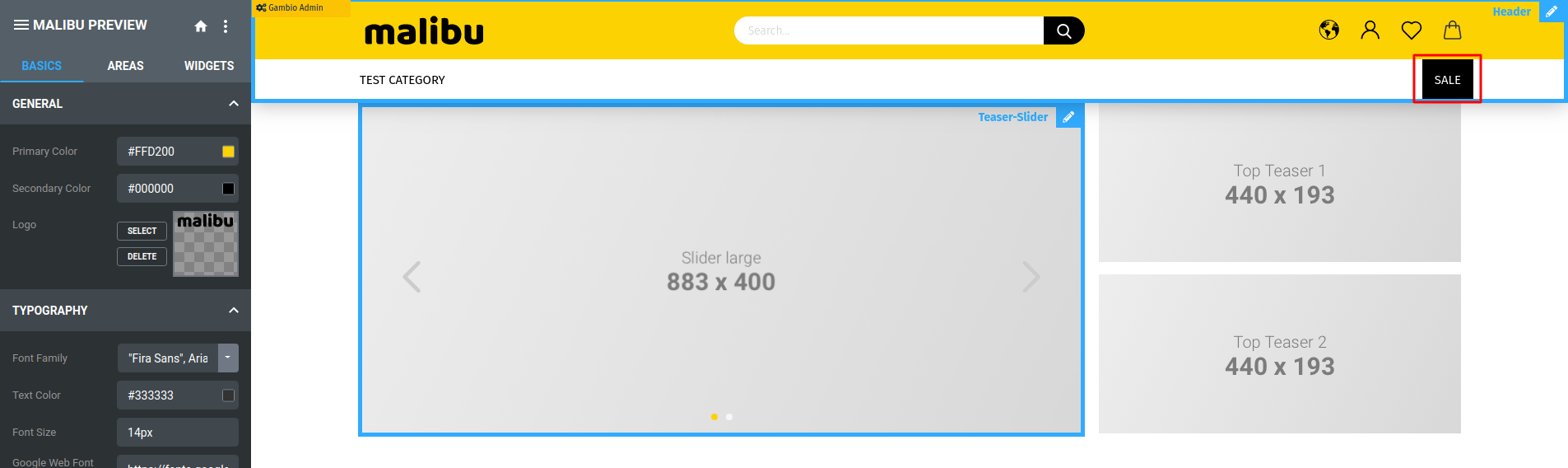
When you are inside SE4 and click on the SALE button the page is opened outside the iFrame/Style Edit 4
If you don't have the button on the upper right of the shop page, follow this steps:
- Go to Admin > Layout/Design > Content Manager
- Create a "New content page" on the "Main categories" section
- Select the page type as "Link"
- Fill the fields and check the "Visible" option ( do not check the "Open in a new window")
Now that we have the button or if the button is already there:
- go to Layout Design > Template-Settings, open SE4
- click on the Default-%SALE%-Button on the upper right
expected result:
- the SALE-page is opened in SE4 (inside the iFrame)
actual result:
- the SALE-page is opened in the shop, SE4 is closed
Dateien
| sale-button-malibu.png (142 KB) sale-button-malibu.png | |||
| sale-button-malibu-SE4.png (173 KB) sale-button-malibu-SE4.png |
Aktionen
#1
 Von Alexandre Ataides vor fast 6 Jahren aktualisiert
- Datei sale-button-malibu.png sale-button-malibu.png wurde hinzugefügt
- Datei sale-button-malibu-SE4.png sale-button-malibu-SE4.png wurde hinzugefügt
- Datei sale-button-malibu.png sale-button-malibu.png wurde hinzugefügt
- Datei sale-button-malibu-SE4.png sale-button-malibu-SE4.png wurde hinzugefügt
Aktionen
#2
Von Alexandre Ataides vor fast 6 Jahren aktualisiert
- Status wurde von In Bearbeitung zu Testing geändert
- Zugewiesen an wurde von Alexandre Ataides zu Core-Entwickler geändert
- Zielversion wurde von 133 zu 4.3.1.0 beta3 geändert
- Release Notes Langtext aktualisiert (Vergleich)
Aktionen
#3
 Von Anis Mashku vor fast 6 Jahren aktualisiert
- Zugewiesen an wurde von Core-Entwickler zu Anis Mashku geändert
Aktionen
#4
Von Anis Mashku vor fast 6 Jahren aktualisiert
- Status wurde von Testing zu Erledigt geändert
Aktionen